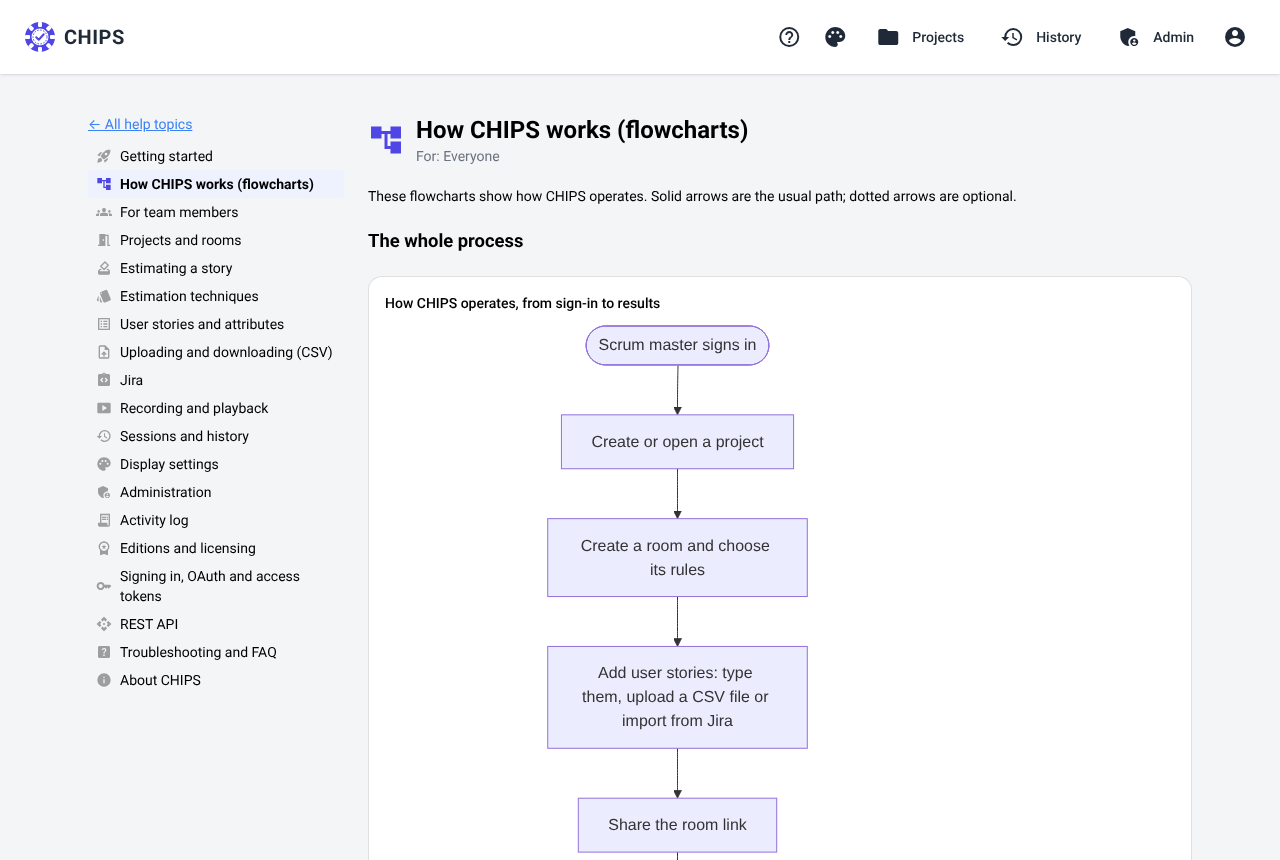
Pick the technique per story, not per tool.
Switch technique in the middle of a session. The demo's four sprints use five of them, so you can open a round of each and see how it was decided.
Planning poker
The classic: everyone votes at once, discuss the outliers, vote again.
Fibonacci
A pure Fibonacci deck for teams that prefer the strict sequence.
T-shirt sizing
Coarse sizing for roadmaps and early backlogs.
Three-point
Optimistic, most likely and pessimistic, combined into a PERT estimate.
Affinity
Sort a whole backlog into columns together, then size the columns.
Custom deck
Hours, risk levels or emoji. Saved for your other rooms; number decks get averages.
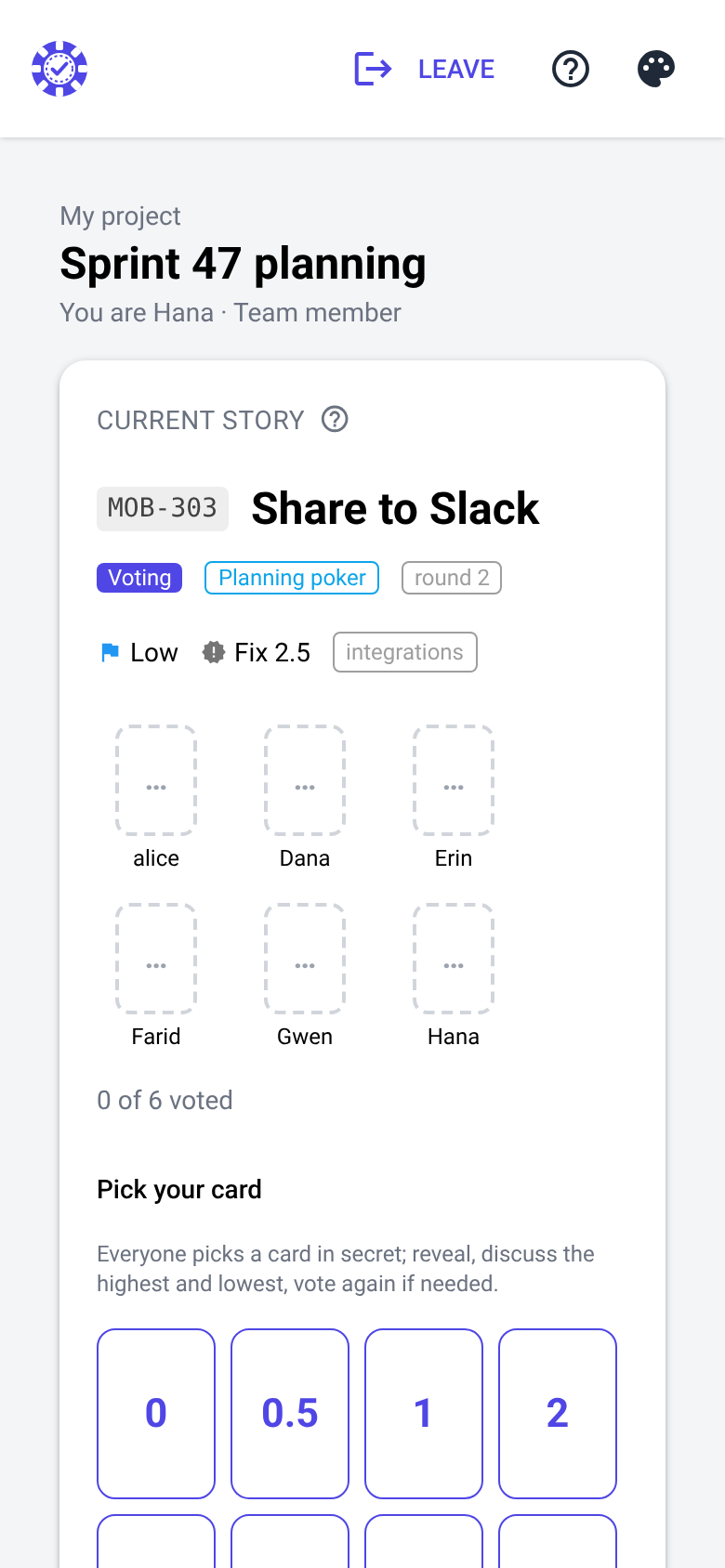
Vote, reveal, discuss, agree.
The scrum master starts a story; everyone picks a card on their own screen. When the cards are revealed, CHIPS shows the distribution, the median and a suggested estimate, and rings every vote two or more cards away from the median.
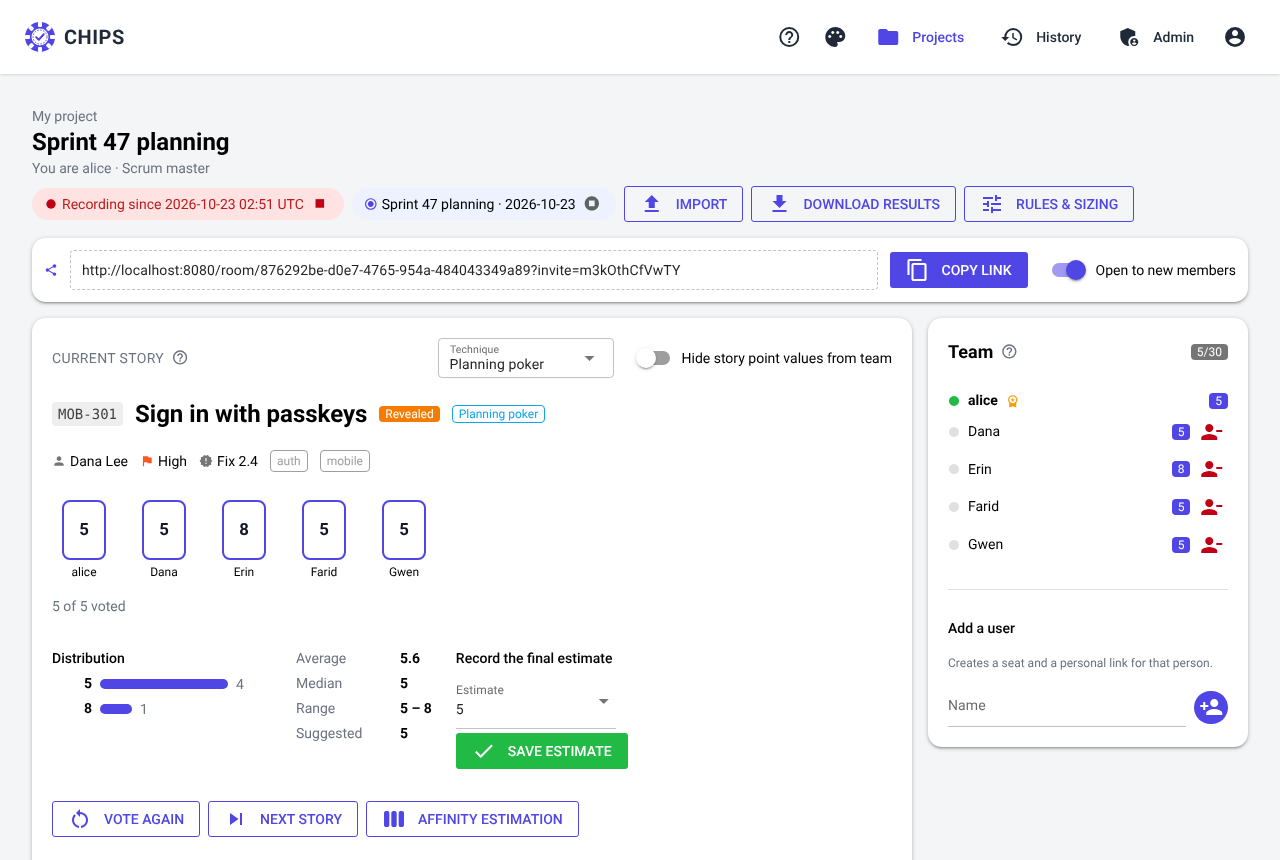
Every control a facilitator reaches for.
The scrum master runs the room, or hands it to a moderator who needs no account. Stakeholders can watch without voting.
Moderators and watchers
Hand the session to a moderator; product owners watch without a vote.
Voting timer
A countdown per vote, 30 seconds to 5 minutes, with reveal when time is up.
Pass card
“?” means pass: counted as voted, left out of averages and consensus.
Anonymous voting
Cards without names, also in history, downloads and recordings.
Outliers
Votes two or more cards from the median are ringed: “ask them to explain”.
Fair averages
Suggest from the mean, median, mode, or the mean without the extremes.
Lock, remove, hide
Lock the room, remove someone, or hide the story points from the team.
Emoji reactions
👍 🎉 🤔 next to each name for ten seconds, without derailing the talk.
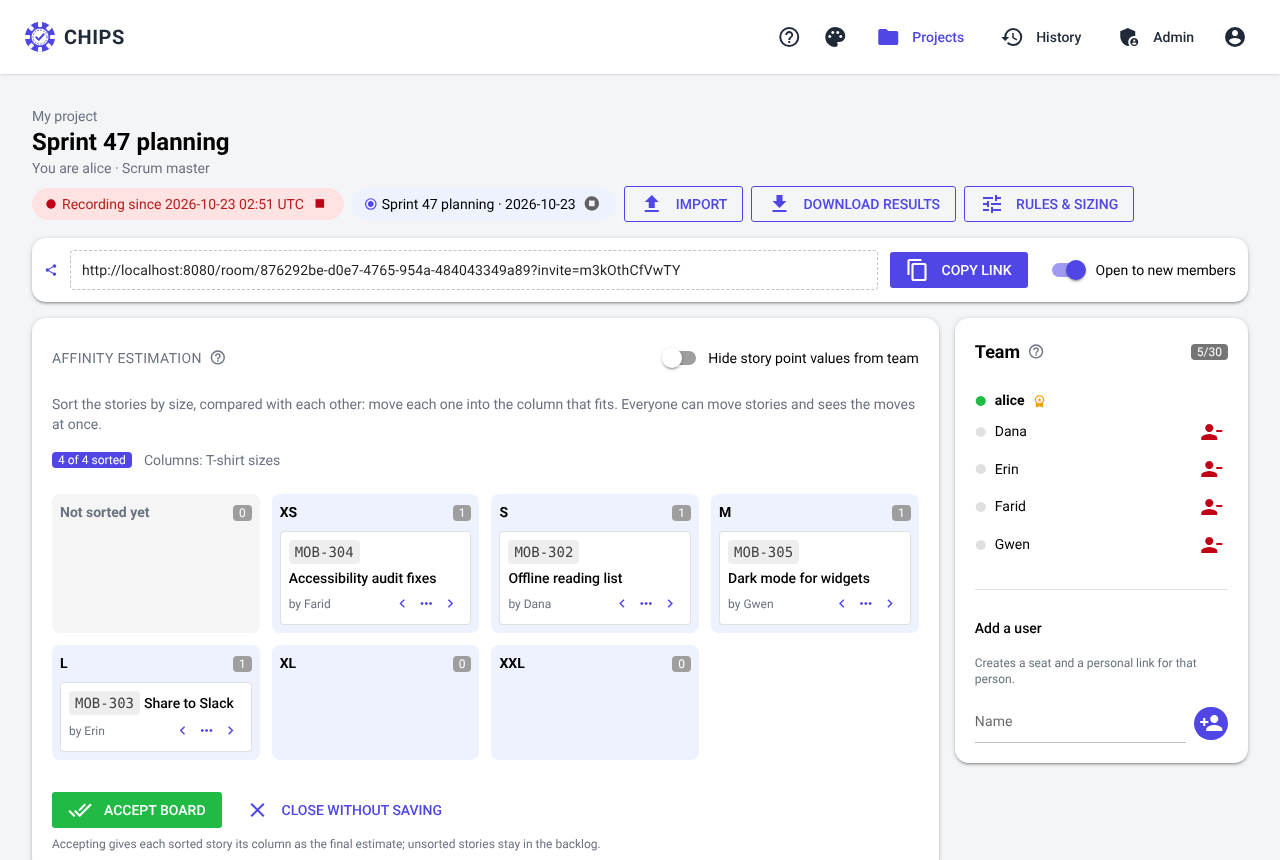
Size a whole backlog, split the big ones.
- Affinity estimation: everyone drags cards at once into size columns, and moves appear live for the whole room.
- Epics: size the whole roughly, then split it in one step into equal parts, SPIDR, workflow steps, create / read / update / delete, or your own list.
- The parts appear under the epic with their total next to the trunk estimate; estimates above a size you choose prompt a split.
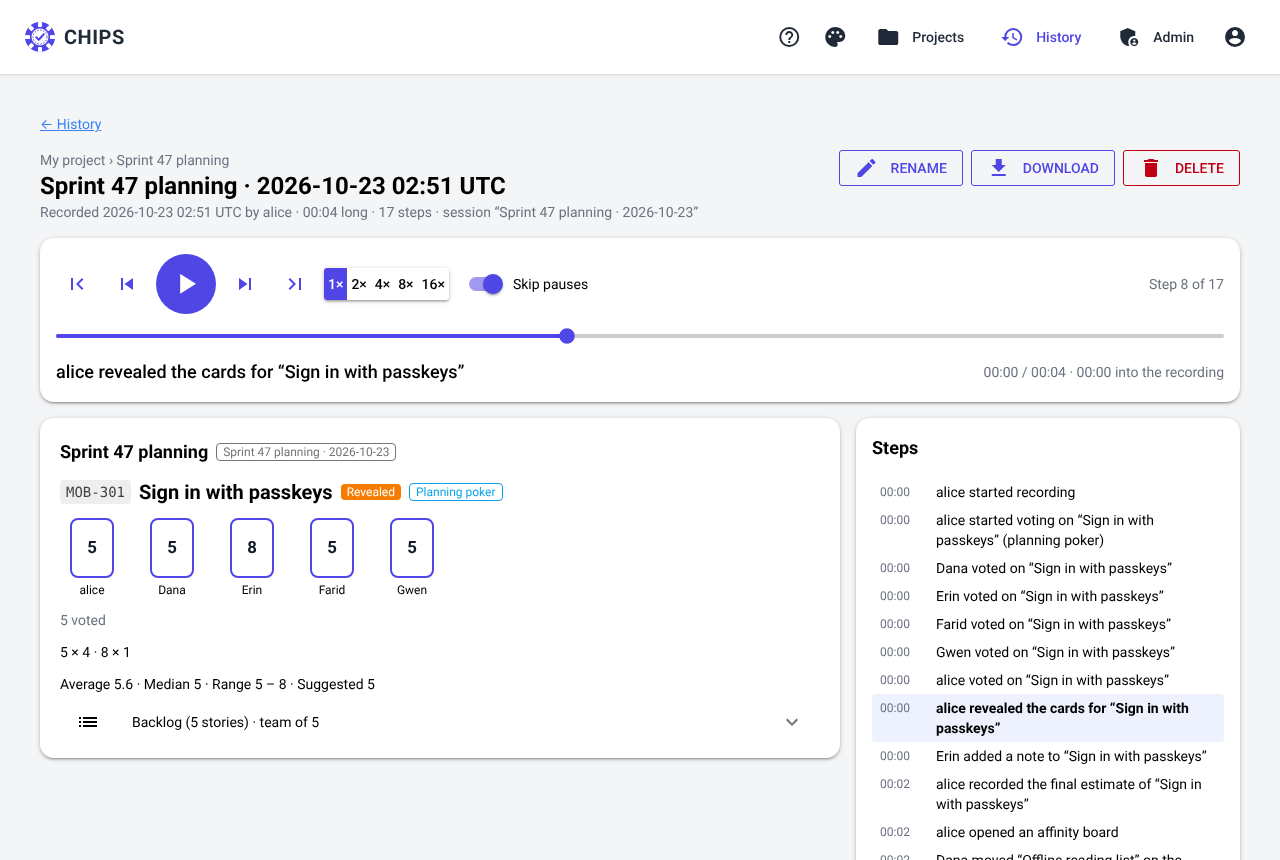
Replay a session step by step.
Every vote, reveal, discussion and final estimate of a recorded session, on a timeline. Useful for people who missed the meeting and for retrospectives. Every action is also in the activity log.
Works on the phone in everyone's pocket.
- No app, no plug-in: a modern browser is enough.
- Light and dark themes, eight accent colors, larger text and reduced motion.
- 26 help topics with search and flowcharts, and a description on every button.