
What is inside
A sprint in progress, with its history behind it.
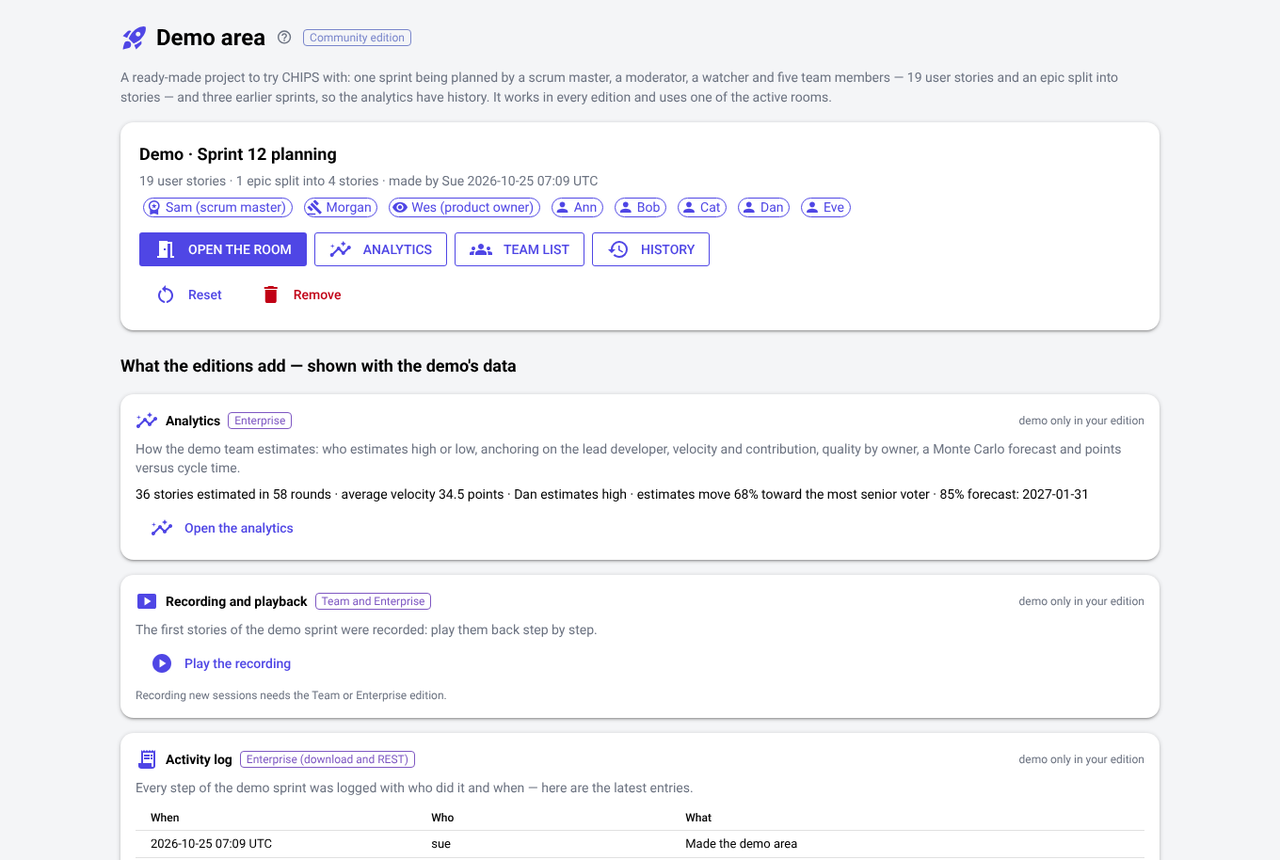
- People: a scrum master, a moderator who works half-time for the team, a product owner who watches, and five team members — one of them over her limit.
- Estimation: 19 user stories and an epic split into four, three earlier sprints, rounds with five techniques, an affinity board, and a recorded session to play back.
- Planning: a backlog of eight stories ranked by WSJF, eight requirements (three non-functional, some from a spreadsheet), acceptance criteria, dependencies — one planned in the wrong order — four risks, and three decisions and three assumptions, each about a story.
- The call: a Teams meeting with a dial-in number, and a recorded refinement call with every speaker named.
- Learning: the analytics and the estimate review, in every edition for the demo project.
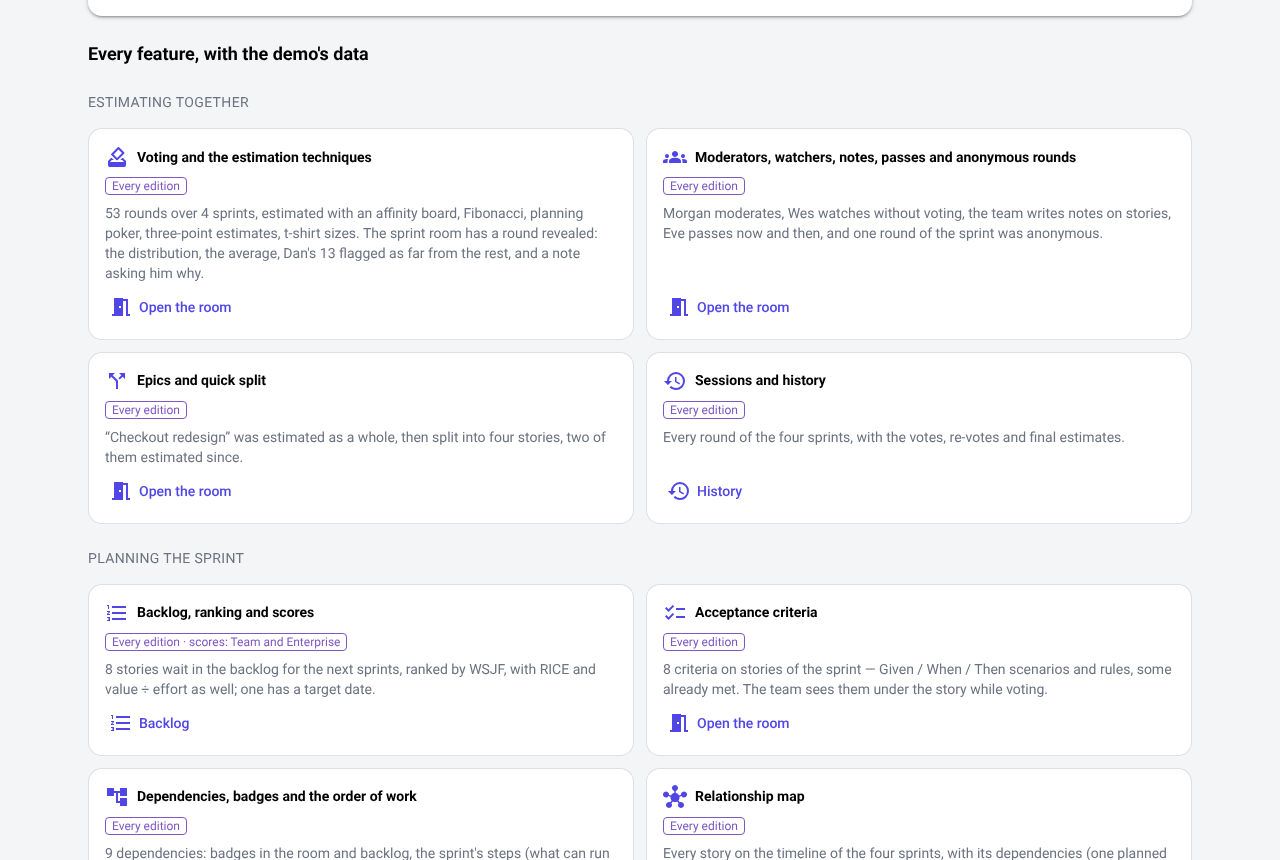
A guide to every feature
Every feature, with the demo's own data.
Below the demo, a card for each feature says what to look at — with the demo's numbers — and opens the right page: the room, the backlog, the map, the risks, the forecast, the transcript, the estimate review.
Try this firstOpen the relationship map, hover over the red arrow, then open “Cart reminders” and see why it cannot be finished in this sprint.
Reset or remove
Start over whenever you like.
Reset the demo to its first state, or remove it to free its room. Other scrum masters on the same installation see the same demo; it is marked as a demo everywhere and never mixed with your projects.